Free Outlets Everywhere: Sipping 5V From the Devices Already Plugged Into Your Walls
Renters, raise your hand if you've abandoned a project idea because of one stupid problem: there's no outlet where you need it. Behind the TV? Fine. In the hallway by the front door? Forget it. Landlords frown at new wall warts, extension cords across doorways are a trip hazard, and battery-powered sensors mean yet another thing to recharge.
Here's the trick nobody talks about: your home is already full of always-on power supplies with spare capacity. Routers, TVs, set-top boxes, game consoles, monitors — most of them have USB ports, and most of those ports have unused current budget just sitting there.
How USB Power Actually Works (The 90-Second Version)
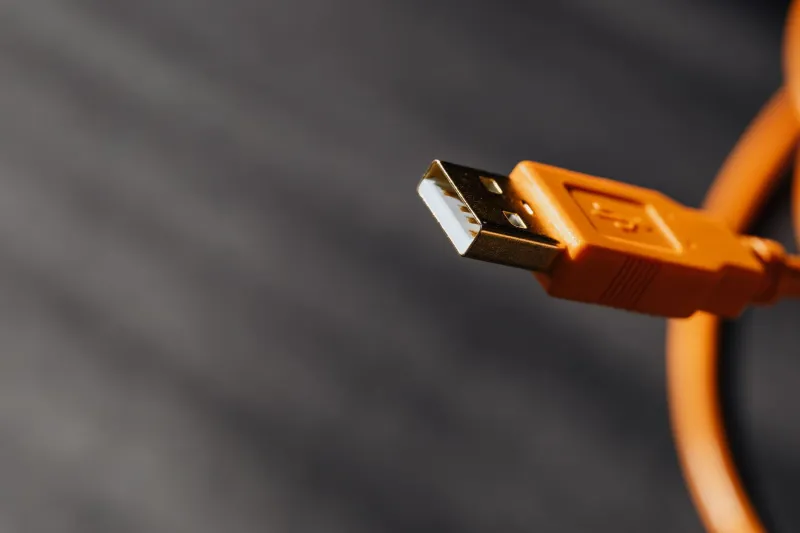
Every USB-A port supplies 5V nominal. USB 2.0 ports are rated for up to 500mA; USB 3.0 ports bump that to 900mA. Some devices — routers especially — are generous and will supply more, but you should never plan on more than the spec.
What does that buy you? An ESP32 in active Wi-Fi mode peaks around 300-500mA during transmit, idles far lower, and averages out comfortably under budget. An ESP8266 sips even less. A PIR sensor draws microamps. A small OLED display adds maybe 20mA. In other words: one well-behaved USB 2.0 port can run a complete sensor node all day, every day.
Three Safety Rules Before You Plug Anything In
- Measure, don't assume. A $12 USB power meter inline with your project tells you exactly what you're drawing. If your peaks approach the port's rating, add a big capacitor across your board's power input to smooth the spikes.
- Never back-feed. If the host device is powered off, don't send voltage into its USB port from another source. Use a diode or a power path board if your project has dual power inputs.
- Respect the host. A router's USB port may also be doing real work — hosting a printer or a drive. Budget accordingly, and don't daisy-chain hubs off a port that's already loaded.
One more apartment-specific note: drawing 5V from an existing device adds essentially nothing to your electric bill, since the host is already plugged in. This is the closest thing to free power you'll legally find.
Five Builds That Prove the Concept
1. The Router-Powered Door Sensor. Every router I've owned has at least one unused USB port. A $4 magnetic reed sensor wired to an ESP8266, running ESPHome, talking to Home Assistant over Wi-Fi — powered entirely by the router that's already blinking on your shelf. Total added hardware: about eight bucks.
2. TV Ambient Light Trigger. Modern TVs almost always have a service USB port that only powers on with the screen. Wire an ESP32 and a photoresistor to it, and you've got a free 'is the TV on?' sensor for automation — dim the lights at movie time, without ever touching a wall switch.
3. Game Console Presence Detection. A console's USB ports go live when it wakes from rest mode. A tiny microcontroller checking voltage state can tell your smart home when someone actually starts gaming — perfect for a 'do not disturb' automation that beats any HDMI-CEC hack I've tried.
4. The Cable-Box Closet Climate Node. That warm closet where the networking gear lives? A temp and humidity sensor powered off the switch's spare USB port, alerting you before the gear cooks itself in July. Every US apartment dweller with a media closet needs this one.
5. Desk Presence, Zero Batteries. A monitor's USB port plus a PIR sensor and an ESP32 gives you a desk occupancy sensor that runs forever. Feed it into Home Assistant and your lights stop turning off while you're sitting right there.
The Renter's Golden Rule
Everything here is reversible with one plug. No outlets added, no holes drilled, no lease violations. When you move, you unplug five USB cables and roll them up with your extension cords. That's the whole beauty of the 5V siphon: it treats the electronics you already own as the power infrastructure they secretly are.
Before you buy your next battery-powered sensor or run a cord across the room, walk through your house and count the spare USB ports. I did, and stopped counting at eleven. Your next project is probably already plugged in.