The Doorbell That Never Phones Home: A Local-Only Build for Paranoid Homeowners
Ring got acquired by Amazon for a reported billion dollars, and somewhere in that deal, your front porch became a data point. It's not paranoia if the terms of service say so — cloud doorbells routinely log motion events, store clips on remote servers, and in some documented cases, share footage with law enforcement without the owner's knowledge. If that sentence made you uncomfortable, this build is for you.
The pitch is simple: a doorbell camera that has no cloud account, no subscription, no company to subpoena. Everything it sees stays inside your house. And thanks to a Raspberry Pi and some genuinely excellent open-source software, it's never been easier to pull off.
What the Big Guys Actually Collect
Before the parts list, let's talk about what you're opting out of. Amazon's Ring policies cover video recordings, audio, motion event timestamps, device health data, and — this is the fun one — footage can be turned over to authorities "in urgent circumstances" without notifying you. Google's Nest doorbell plays a similar game, tying your comings and goings to a Google account and reserving the right to process clips on their infrastructure.
Now compare that to a local build. Your log file looks like this: a timestamp, a detection label ("person"), and a video clip sitting on an SD card. That's it. No account, no telemetry, no upload endpoint. If someone wants your footage, they need a warrant and physical access to your closet.
The Parts List (Under $100)
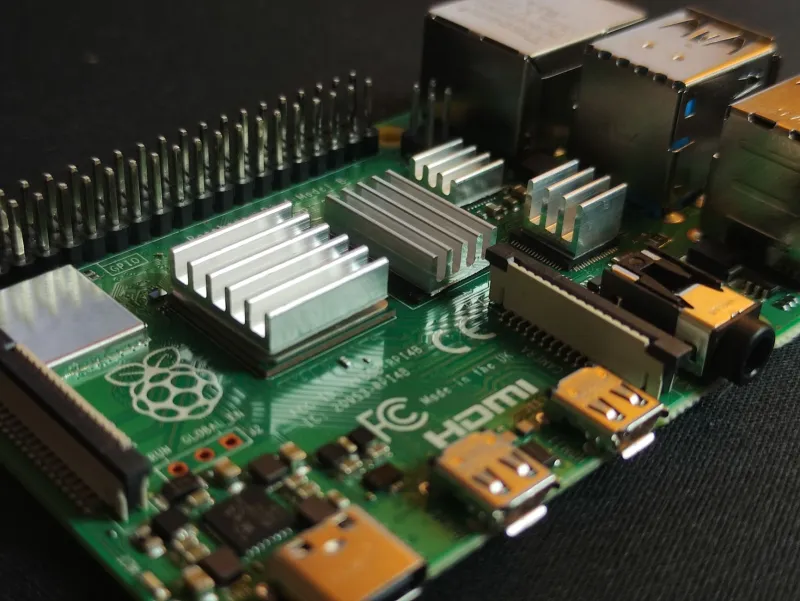
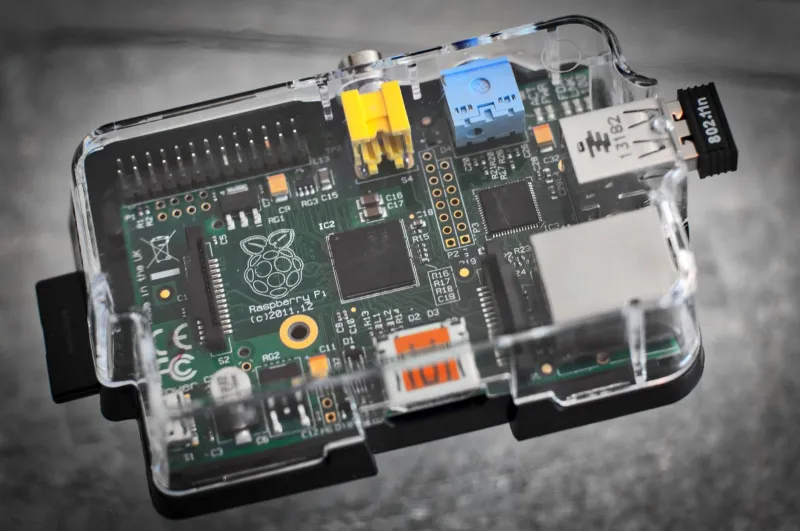
- Raspberry Pi 4 (2GB) — around $45. The 2GB model handles Frigate's detection just fine with the Coral below.
- Google Coral USB Accelerator — $30-ish when you can find it. This is the magic ingredient; it runs the person-detection model at 30+ FPS without breaking a sweat.
- Any RTSP doorbell or PoE camera — used Amcrest or Reolink units go for $20-30 on eBay. Skip anything with mandatory cloud.
- MicroSD card and a decent 5V power supply — another $15.
Total lands right around $95 depending on your camera luck. If you already have an old wired doorbell chime, you can wire a relay to the Pi's GPIO for a satisfying mechanical ding that no subscription can disable.
The Software Stack
Frigate is the star here — a self-hosted NVR built around real-time object detection. Install it via Docker, point it at your camera's RTSP stream, and it starts classifying motion as "person," "car," or "cat" (the false-positive king of home surveillance).
The Coral gets plugged into /dev/bus/usb and passed to the container, and suddenly detection runs locally at speeds the cloud services would envy. There's no round-trip to a server farm in Virginia deciding whether the person at your door is a person.
For notifications, Frigate integrates cleanly with Home Assistant, so your phone can buzz when someone's on the porch — through your own MQTT broker, on your own network.
The Honest Downsides
Let's not pretend this is all upside. You're your own IT department now: SD cards die, Docker containers need updating, and if your Pi reboots while you're on vacation, there's no support hotline. Cloud doorbells are also genuinely better at the doorbell part — chime integration and two-way audio take extra fiddling on a DIY rig.
But here's the trade I'll make every time: my porch footage lives on hardware I own, in a building I control, with a retention policy I wrote. Nobody's AI is watching my kids get off the school bus and deciding what that data is worth.
Is It Worth It?
If you already run Home Assistant, this build is a weekend afternoon and $95. If you're starting from zero, expect a couple of evenings of learning — which, frankly, is half the fun around here. Either way, you end up with a doorbell that sees everything and tells no one. That's a feature no cloud service will ever offer you.