The $50 Bench Tool That Beats the E-Waste Bin: Bringing Abandoned Smart Gadgets Back to Life
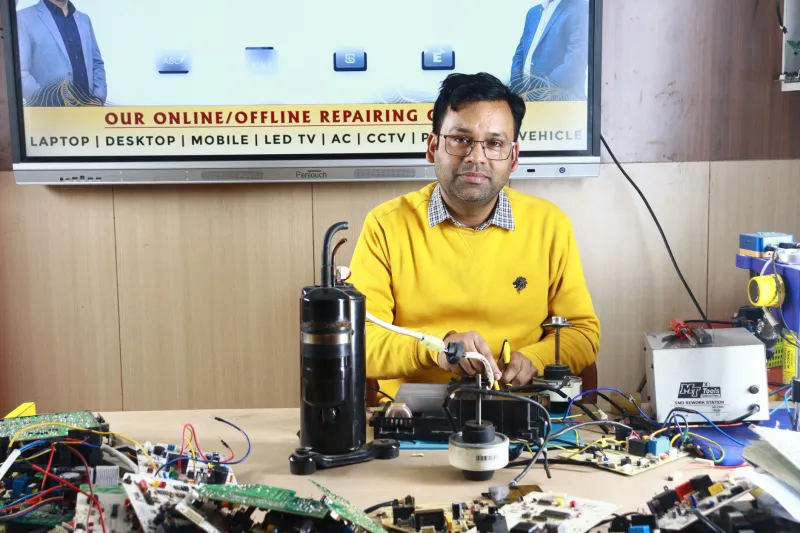
There's a drawer in my workshop that I'm not proud of. A smart speaker that stopped booting after a power surge. A hub that half-died during a firmware update. A plug that went dark the moment the company behind it shut down its servers. For years, the standard move was to toss all of it in the e-waste bin and grumble about planned obsolescence.
Then I bought a hot air rework station for about fifty bucks, and that drawer started looking a lot more like a parts bin than a graveyard.
Why So Many 'Dead' Devices Aren't Actually Dead
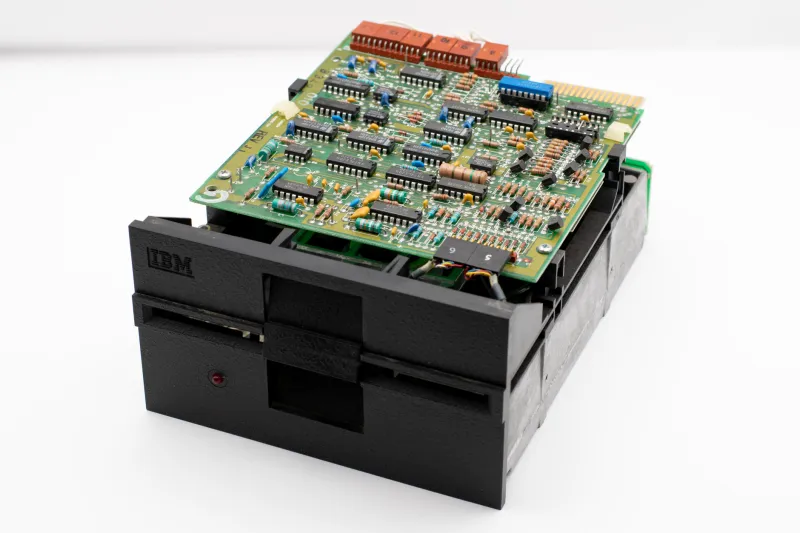
Here's the dirty secret of the smart home industry: the vast majority of failures aren't mysterious. They're boring. A cracked solder joint on a power regulator. A bulging electrolytic capacitor. A flash chip that corrupted mid-update and now leaves the bootloader spinning in circles.
The silicon itself — the microcontroller, the radio, the memory — is almost always fine. What dies is the stuff around it: cheap power circuitry pushed to its thermal limits, and firmware that was never designed to fail gracefully.
That's great news for us, because both of those problems are fixable at a bench level. And unlike a policy hearing in Washington, fixing them yourself gives you an answer today, not in three years.
The Hot Air Station: Your Gateway Drug to Board-Level Repair
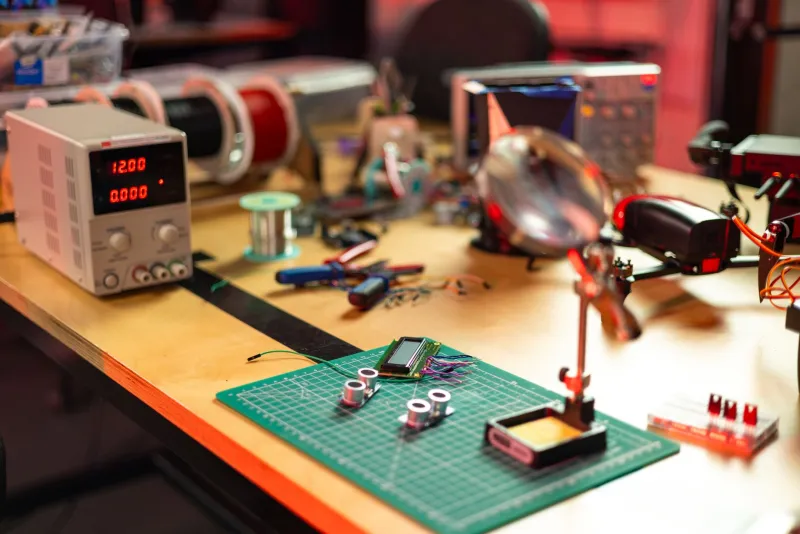
You don't need a $2,000 JBC setup. An entry-level hot air station — the kind you'll find from Hakko's budget lines or any of the well-reviewed clones on Amazon — handles 90% of smart home board work. Pair it with flux, some solder wick, and a decent pair of tweezers, and you're equipped.
What hot air actually buys you is access. Most modern gadgets use QFN packages and tiny passives with no leads to grab onto. An iron alone can't touch them. Hot air lets you lift a suspicious voltage regulator, reflow a cracked joint under a chip, or swap a dead component without destroying the board in the process.
My first successful repair was almost embarrassingly simple: a smart plug whose 3.3V regulator had failed open. Thirty seconds of hot air, a $0.40 replacement part from a component kit, and it was back on the network. That plug cost $25 new. The math gets obvious fast.
Diagnosing Before You Desolder
Before you point hot air at anything, do the boring diagnostics:
- Check the rail voltages. Find the main power input and trace forward. If you've got 5V going in but nothing on the 3.3V rail, you've found your neighborhood. A multimeter with fine probes is enough here.
- Look for the usual suspects. Bulging caps, brown burn marks, a component that's visibly discolored. A cheap USB microscope ($30-ish) makes this dramatically easier on your eyes.
- Smell test. Seriously. Failed regulators and shorted ceramics have a distinct burnt odor that will lead you straight to the crime scene.
If the board powers up but the device still won't boot — no LED blinks, no network activity — the problem is probably firmware, not hardware. Which brings us to the fun part.
Reflashing Firmware Over UART
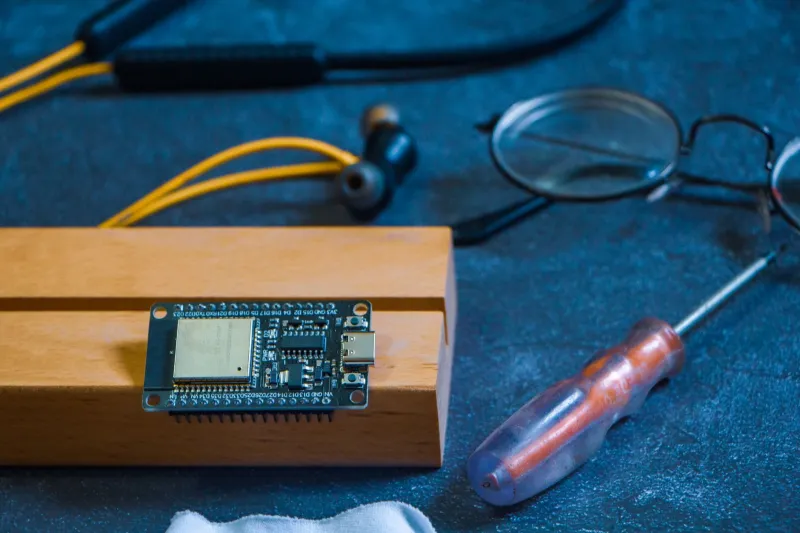
Nearly every consumer IoT device has a UART debug port hiding on the board: four pads labeled (or unlabeled, but findable with a multimeter) TX, RX, VCC, and GND. A $3 USB-to-serial adapter connects your laptop directly to the chip's brain.
From there, the process depends on the chip. ESP-based devices are the friendliest — hold the boot pin low, and the chip will happily accept fresh firmware through esptool. Devices running on other SoCs vary, but the community documentation at places like the ESPHome forums and the Tasmota supported-devices wiki covers hundreds of retail gadgets in detail.
The real prize here is devices orphaned by dead cloud services. That smart plug that stopped working when its startup folded? Reflash it with Tasmota or ESPHome and it becomes a fully local, MQTT-speaking device that will outlive every future server shutdown. You've turned a paperweight into the most reliable plug in your house.
When Does the Station Pay for Itself?
Run the numbers honestly. If you repair one $100 hub that would've been replaced, you're a third of the way there. Add a rescued speaker, a couple of plugs, and a thermostat you fixed instead of upgrading, and the station has paid for itself inside a season — before you count the salvage value of components harvested from unfixable boards.
And there's a second payoff that doesn't show up on a receipt. Every board you reflow teaches you how these things are actually built. You start recognizing design shortcuts, weak points, and which brands actually give a damn. That knowledge changes how you buy, too. I now check teardowns before purchasing, because I know exactly which failures I can fix and which ones I can't.
Right to Repair Starts at Your Bench
The right-to-repair movement gets plenty of airtime as a legislative story, and that matters. But the version of it that lives in your garage is quieter and more durable: a generation of makers who simply refuse to throw away working silicon because a $2 component failed.
That drawer in my workshop is nearly empty now. The speaker runs, the hub is reflashed and local-only, and the plug that started all this is still switching my coffee maker every morning. Fifty dollars well spent — and the next dead gadget on my doorstep is not a loss anymore. It's a project.