40 Devices, One Microwave, Zero Clue: Untangling the 2.4GHz Mess Behind Your Laggy Smart Home
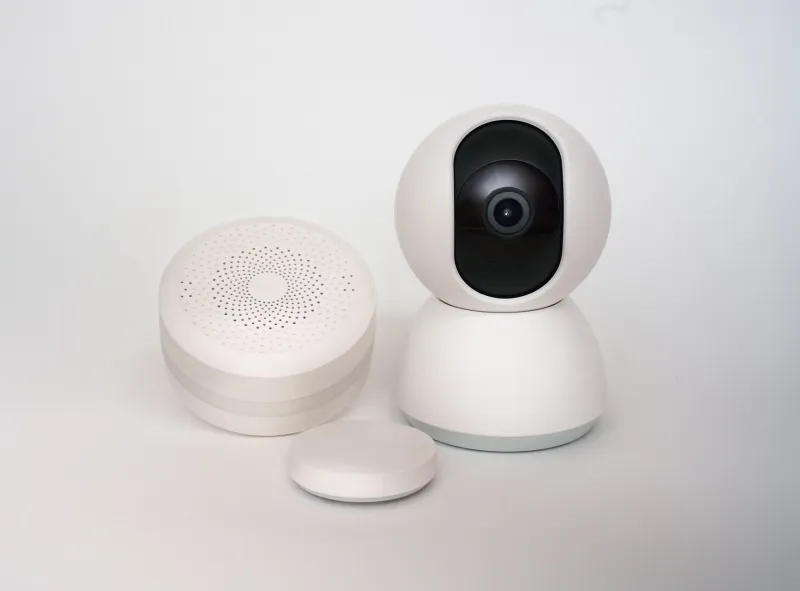
It started innocently. A smart plug here, a video doorbell there. Two years later, my router's client list reads like a small airport manifest: 43 devices, most of them chattering away on the same sliver of radio spectrum as my microwave, my neighbor's baby monitor, and — I'm not kidding — the espresso machine down the street that apparently has Wi-Fi in 2024.
If your smart bulbs take five seconds to respond or your camera feeds stutter every evening around dinnertime, congratulations: you've got a congestion problem, and it's happening inside your own walls.
Why Everything You Own Hates Each Other
Here's the uncomfortable truth about the smart home industry: nearly every cheap IoT device ever made speaks 2.4GHz Wi-Fi only. Not 5GHz, not 6GHz. Just 2.4GHz — the band with three usable channels in the US (1, 6, and 11) and the range to reach clear across your house and into your neighbor's.
That range is the problem. In a typical American suburb, your router can "hear" two or three neighbors' networks, all stomping on the same channels. Add in Bluetooth (which shares the band), your microwave oven (which emits right down the middle of it), and every smart gadget phoning home to its cloud, and you've got a radio free-for-all.
The 2.4GHz band only got three non-overlapping channels because of how channel width works. Every network that overlaps another has to politely wait its turn — and "politely wait" translates directly into lag on your light switches.
Diagnosing the Chaos for Free
Before you buy anything, figure out what's actually going on. Fire up a free Wi-Fi analyzer app — WiFi Analyzer on Android, or the built-in diagnostics on macOS (hold Option, click the Wi-Fi icon, Open Wireless Diagnostics) — and just look.
You're hunting for three things:
- Channel pileups. If every neighbor is camped on channel 6 (extremely common, because routers ship that way), you're all sharing one lane.
- Signal strength of foreign networks. Anything above about -70 dBm from next door is strong enough to force your devices to back off.
- Non-Wi-Fi interference. Turn on your microwave and blast some popcorn. If your analyzer shows the noise floor jump, you've found your culprit.
In my case, the scan revealed seven visible networks, five of them crammed onto channel 6, plus a mystery dropout every evening at 6 PM that turned out to be — I swear — my own microwave killing the smart plug that ran my kitchen lights. The fix was unglamorous: move the plug two feet to the left of the appliance.
Fix One: Channel Planning That Isn't Set to Auto
Your router's "Auto" channel setting is a coward. It picks a channel at boot and often never revisits the decision, even as the neighborhood fills up.
Manually set your 2.4GHz radio to whichever of channels 1, 6, or 11 is least occupied in your scan. Then do the same for your router's 5GHz band — though 5GHz is mostly a non-issue for IoT since most smart devices can't use it anyway. Use 5GHz for your laptops and phones, and treat 2.4GHz as a dedicated IoT lane.
If your router lets you, drop the 2.4GHz transmit power to low or medium. Counterintuitive, I know — but a weaker signal means your devices connect to your router instead of wandering, and your network bleeds less into the neighbors' airspace. Less overlap means fewer collisions for everyone.
Fix Two: Give Your Gadgets Their Own Neighborhood
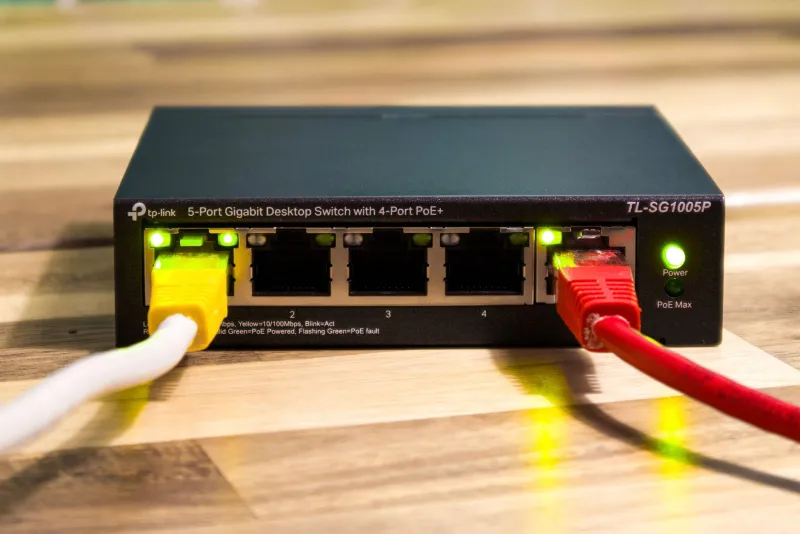
If you run your own router or a prosumer setup (Ubiquiti, Omada, even many ASUS models), carve out a dedicated IoT network or VLAN. Two wins fall out of this:
First, performance. Your 40 gadgets get their own SSID with QoS rules, so one chatty camera can't starve your light switches.
Second — and nobody talks about this enough — security. Cheap IoT devices are a hacker's favorite doorway. Segmenting them away from your laptops, NAS, and banking machine means a compromised smart kettle can't reach anything that matters. If VLANs sound scary, even a basic "guest network with client isolation disabled" gets you 80% of the benefit.
Fix Three: Stop Buying 2.4GHz-Only Junk (or Repurpose It)
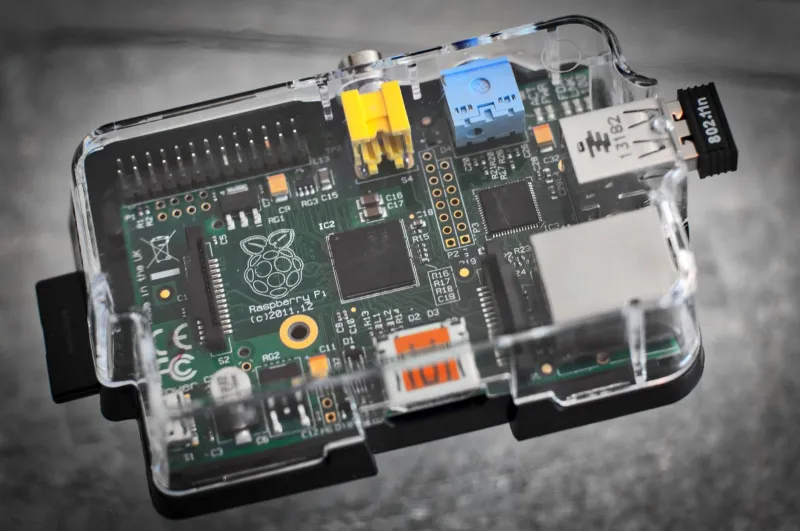
New purchases matter. When shopping, prefer devices on Zigbee, Thread, or Z-Wave — mesh protocols that live on 2.4GHz but use tiny bandwidth and hop intelligently around interference. A Zigbee network and a Wi-Fi network can coexist far more gracefully than 40 Wi-Fi clients ever will. We've covered building your own Zigbee coordinator before, and honestly, moving even half your devices off Wi-Fi was the single biggest improvement I made.
For the Wi-Fi gear you keep, a Wi-Fi 6 router helps more than marketing suggests — not because your bulbs use Wi-Fi 6, but because OFDMA lets the router schedule clients efficiently instead of letting them shout over each other. Enable it, along with WPA3 if all your devices support it.
The Payoff
After an afternoon of scanning, channel planning, and VLAN-building, my smart home went from dial-up vibes to near-instant. Bulbs respond in under a second. The cameras stopped pixelating at dinner. And the microwave no longer holds my kitchen hostage.
No new devices required — just a free app, thirty minutes of settings, and the smug satisfaction of knowing your network is the best-behaved one on the block.